
Goal
Add swim, bike, run, and transition times for a sprint, standard, or custom course and show total time, discipline shares, pace, and speed.
Worldwide context
Saved once here, used across the site.
Currency changes display only. Country selection guides tax input; no tax rate is guessed.
Add swim, bike, run, and transition times for a sprint, standard, or custom course and show total time, discipline shares, pace, and speed.
Total finish time = swim + bike + run + transition 1 + transition 2. Split share = split time ÷ total time × 100; speed and pace use the selected course distances.A clearer path to an answer
This page keeps the calculation transparent: define the goal, enter the matching values, inspect the method, and decide what the result means in your situation.
Add swim, bike, run, and transition times for a sprint, standard, or custom course and show total time, discipline shares, pace, and speed.
Course distance preset · Swim time · Bike time · Run time · Transition 1 time · Transition 2 time · Custom swim distance · Custom bike distance · Custom run distance
Total finish time = swim + bike + run + transition 1 + transition 2. Split share = split time ÷ total time × 100; speed and pace use the selected course distances.
Calculate, review the assumptions below, then compare a related tool when the decision needs more context.
Add swim, bike, run, and transition times for a sprint, standard, or custom course and show total time, discipline shares, pace, and speed.
Open the Triathlon Finish-Time Breakdown Calculator pageMore sports tools
Download PDFDownload Word (.doc)
Enter your values above and choose Calculate to see the result here.
Calculation map
Total finish time = swim + bike + run + transition 1 + transition 2. Split share = split time ÷ total time × 100; speed and pace use the selected course distances.
Bounded, transparent calculation
Your recent runs stay in this browser session only.
Formula: Total finish time = swim + bike + run + transition 1 + transition 2. Split share = split time ÷ total time × 100; speed and pace use the selected course distances.
This page is a planning and breakdown tool. Presets make common course labels quick to enter, while custom distances prevent the form from forcing one race format onto every event. The result describes the entered splits; it does not claim to be a population average.
Worked example: The total is 160 minutes: 2:00 min/100 m swim pace, 32 km/h bike speed, and 5:00 min/km run pace.
The displayed limits are checked before the handler runs. Model-specific domain checks may also reject impossible or non-finite inputs.
Methodology: This calculator follows the WorldCalculate input, formula, precision, and boundary policy. Read the official methodology.
Calculator usage statistics
This section counts anonymous successful Calculate submissions, not unique visitors. Counts and top tools appear only when trusted aggregate data is available; country analysis is shown only under the same condition and reporting threshold.
Answer-first guide
Add swim, bike, run, and transition times for a sprint, standard, or custom course and show total time, discipline shares, pace, and speed. Start with one clearly defined goal, enter values in the units shown, and keep the result attached to the assumptions below.
This tool is useful when your question includes triathlon finish time calculator, triathlon split calculator, sprint triathlon time. It returns the outputs declared in the calculator contract rather than a live quote, approval, diagnosis, or professional sign-off.
Course distance preset · Swim time · Bike time · Run time · Transition 1 time · Transition 2 time · Custom swim distance · Custom bike distance · Custom run distance. Keep the same time period, unit system, and currency wherever the form requires comparable values.
Run the worked example first, compare its output with the page's example, then change one input at a time. This makes an unexpected result easier to trace to a unit, boundary, or assumption.
Need a wider view? Browse Sports Statistics Calculators or compare the related tools below. The WorldCalculate methodology explains how formulas, examples, limits, and revisions are reviewed.
Total finish time = swim + bike + run + transition 1 + transition 2. Split share = split time ÷ total time × 100; speed and pace use the selected course distances.
This page is a planning and breakdown tool. Presets make common course labels quick to enter, while custom distances prevent the form from forcing one race format onto every event. The result describes the entered splits; it does not claim to be a population average.
The total is 160 minutes: 2:00 min/100 m swim pace, 32 km/h bike speed, and 5:00 min/km run pace.
Context and background
A sports percentage or rate depends on attempts, outs, minutes, shots, or another denominator. Matching that definition is necessary before comparing players, teams, or seasons.
Box-score analysis became more useful as raw events were expressed as rates that account for opportunities. These tools show the denominator so the result remains tied to the supplied record.
Research and review
Researched by Hassan ALRowaie, Founder and editorial researcher at WorldCalculate.
This guide follows the live calculator's declared inputs, formula, worked example, assumptions, validation boundaries, and source-backed methodology. The review date describes editorial review of the calculator explanation; it is not a promise that external facts or rates remain current.
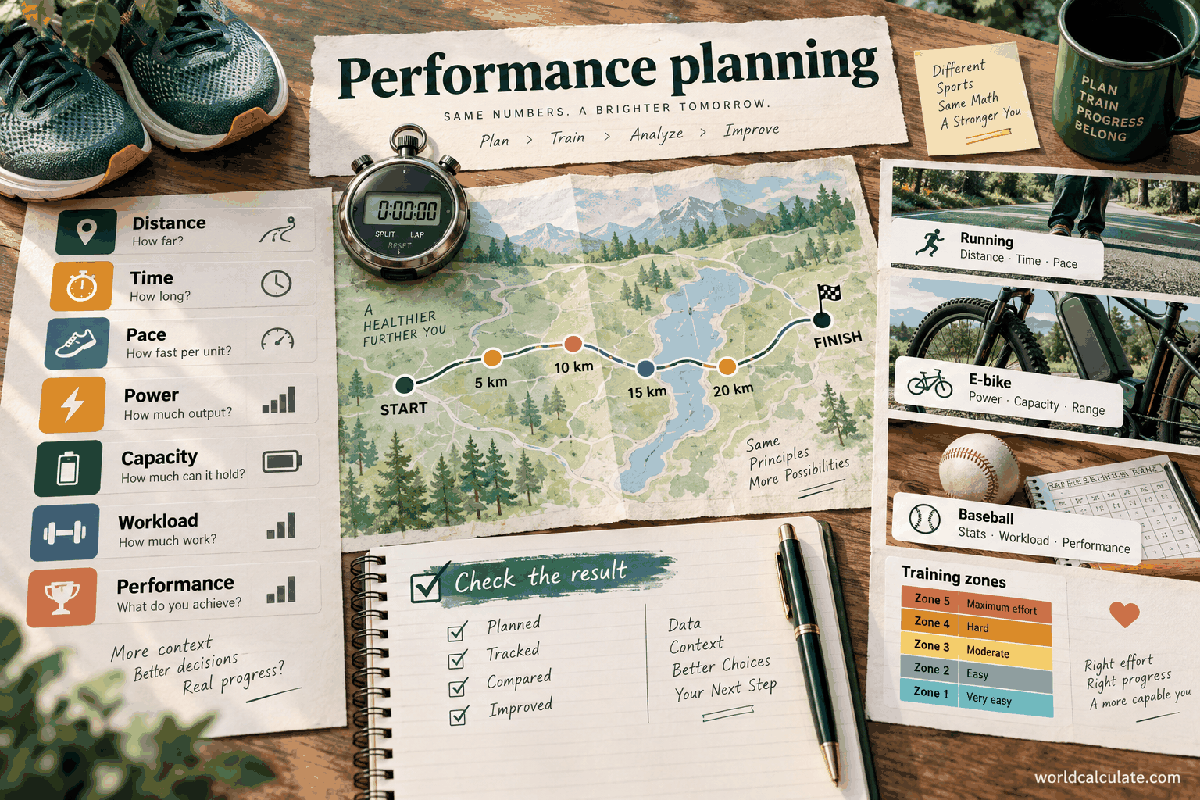
A triathlon result is easier to improve when it is separated into swim, bike, run, and transition time. This calculator adds those pieces, adapts to common or custom distances, and keeps the visitor's own splits at the centre of the answer.
Total finish time is the sum of the three disciplines and both transitions. A transition is elapsed race time even though it is not swim, bike, or run distance.
Entering transitions separately prevents a fast discipline from hiding time spent changing equipment, finding the correct rack position, or moving through the transition area.
The sprint and standard presets are convenient planning labels with their displayed distances. Events can vary, so verify the current event guide before treating a preset as an official course measurement.
Custom mode is useful for youth, relay, training, pool, duathlon-style, and locally designed events where the preset does not fit.
Each discipline share divides that segment's time by the combined total. The transition share combines both transition times before dividing by total time.
Shares are a diagnostic view. A larger share does not automatically mean a discipline is weak; distance, event design, and personal strengths affect the proportion.
Swim pace is shown in minutes per 100 metres, derived from swim minutes divided by the selected swim distance in kilometres multiplied by 10. Bike speed is distance divided by bike hours.
These outputs are averages across the entered split. They do not describe every lap, climb, current, stop, or technical section of the course.
Run pace is run minutes divided by run kilometres. If the course has hills, heat, or a technical surface, use the pace as a summary rather than a promise for a flat road.
Transitions can be reviewed as a separate improvement opportunity. Practice layout, equipment order, and rules within a safe and permitted training environment.
A standard-distance plan with 30 minutes swim, 75 bike, 50 run, 3 minutes for the first transition, and 2 minutes for the second totals 160 minutes.
At 1.5 km, 40 km, and 10 km, those splits imply 2:00 min/100 m, 32 km/h, and 5:00 min/km. The calculator also reports each segment's share of 160 minutes.
Two athletes with the same total can have very different splits, and two events with the same label can differ in weather, elevation, turns, water conditions, and drafting rules.
Use the result for planning and review. Do not present it as an official average, qualification standard, or prediction without the event context and a documented source.
Why are custom distance fields still required for a preset? Keeping them visible makes the calculator contract consistent and lets a visitor switch modes without losing a known course setup.
Can I include penalties? Add them to the relevant time or transition field if the purpose is total elapsed time, and label the result so the adjustment is not mistaken for raw split performance.
Add swim, bike, run, and transition times for a sprint, standard, or custom course and show total time, discipline shares, pace, and speed.
Total finish time = swim + bike + run + transition 1 + transition 2. Split share = split time ÷ total time × 100; speed and pace use the selected course distances. This page is a planning and breakdown tool. Presets make common course labels quick to enter, while custom distances prevent the form from forcing one race format onto every event. The result describes the entered splits; it does not claim to be a population average.
Enter Course distance preset, Swim time, Bike time, Run time, Transition 1 time, Transition 2 time, Custom swim distance, Custom bike distance, Custom run distance, then choose Calculate.
Each split time is positive except transitions, which may be zero in a hypothetical calculation. All times are minutes and belong to the same planned or completed effort. Sprint and standard presets are planning distances and should be checked against the event's current rules. Custom mode uses the three custom distances in kilometres. The total includes both transition fields. Shares are percentages of total elapsed time and sum to approximately 100% subject to rounding. Weather, terrain, drafting, course measurement, and race rules are outside the arithmetic.
This calculator is part of the WorldCalculate library. Its formula, example, assumptions, input bounds, and output formatting follow the official methodology.
These WorldCalculate collections connect this tool with related questions while keeping each calculation separate and transparent.