
Goal
Add serving calories for a holiday meal, calculate the meal total and per-diner average, and explore an explicit activity-time scenario.
Worldwide context
Saved once here, used across the site.
Currency changes display only. Country selection guides tax input; no tax rate is guessed.
Add serving calories for a holiday meal, calculate the meal total and per-diner average, and explore an explicit activity-time scenario.
Meal calories = sum of each entered dish calories-per-serving × servings; average per diner = meal calories ÷ diners; activity burn rate = MET × 3.5 × body mass ÷ 200 kcal/min; activity time = meal calories ÷ burn rate.A clearer path to an answer
This page keeps the calculation transparent: define the goal, enter the matching values, inspect the method, and decide what the result means in your situation.
Add serving calories for a holiday meal, calculate the meal total and per-diner average, and explore an explicit activity-time scenario.
Turkey calories per serving · Turkey servings · Stuffing calories per serving · Stuffing servings · Potato dish calories per serving · Potato dish servings · Gravy calories per serving · Gravy servings · Vegetable dish calories per serving · Vegetable dish servings · Dessert calories per serving · Dessert servings · Diners sharing the meal · Body weight for activity scenario · Activity intensity
Meal calories = sum of each entered dish calories-per-serving × servings; average per diner = meal calories ÷ diners; activity burn rate = MET × 3.5 × body mass ÷ 200 kcal/min; activity time = meal calories ÷ burn rate.
Calculate, review the assumptions below, then compare a related tool when the decision needs more context.
Add serving calories for a holiday meal, calculate the meal total and per-diner average, and explore an explicit activity-time scenario.
Open the Holiday Meal Calories and Activity Scenario Calculator pageMore food tools
Download PDFDownload Word (.doc)
Enter your values above and choose Calculate to see the result here.
Calculation map
Meal calories = sum of each entered dish calories-per-serving × servings; average per diner = meal calories ÷ diners; activity burn rate = MET × 3.5 × body mass ÷ 200 kcal/min; activity time = meal calories ÷ burn rate.
Bounded, transparent calculation
Your recent runs stay in this browser session only.
Formula: Meal calories = sum of each entered dish calories-per-serving × servings; average per diner = meal calories ÷ diners; activity burn rate = MET × 3.5 × body mass ÷ 200 kcal/min; activity time = meal calories ÷ burn rate.
Holiday meals are assembled from different recipes and portions, so a fixed dish table can misrepresent a visitor’s plate. This worksheet accepts the visitor’s serving labels, totals the meal, and keeps an activity calculation separate from nutrition or weight-loss advice.
Worked example: The entered plate totals 1,070 kcal; at 4 MET and 70 kg, the transparent activity scenario is about 218 minutes.
The displayed limits are checked before the handler runs. Model-specific domain checks may also reject impossible or non-finite inputs.
Methodology: This calculator follows the WorldCalculate input, formula, precision, and boundary policy. Read the official methodology.
Calculator usage statistics
This section counts anonymous successful Calculate submissions, not unique visitors. Counts and top tools appear only when trusted aggregate data is available; country analysis is shown only under the same condition and reporting threshold.
Answer-first guide
Add serving calories for a holiday meal, calculate the meal total and per-diner average, and explore an explicit activity-time scenario. Start with one clearly defined goal, enter values in the units shown, and keep the result attached to the assumptions below.
This tool is useful when your question includes Thanksgiving calories calculator, holiday meal calories, dinner calorie calculator. It returns the outputs declared in the calculator contract rather than a live quote, approval, diagnosis, or professional sign-off.
Turkey calories per serving · Turkey servings · Stuffing calories per serving · Stuffing servings · Potato dish calories per serving · Potato dish servings · Gravy calories per serving · Gravy servings · Vegetable dish calories per serving · Vegetable dish servings · Dessert calories per serving · Dessert servings · Diners sharing the meal · Body weight for activity scenario · Activity intensity. Keep the same time period, unit system, and currency wherever the form requires comparable values.
Run the worked example first, compare its output with the page's example, then change one input at a time. This makes an unexpected result easier to trace to a unit, boundary, or assumption.
Need a wider view? Browse Food & Recipe Calculators or compare the related tools below. The WorldCalculate methodology explains how formulas, examples, limits, and revisions are reviewed.
Meal calories = sum of each entered dish calories-per-serving × servings; average per diner = meal calories ÷ diners; activity burn rate = MET × 3.5 × body mass ÷ 200 kcal/min; activity time = meal calories ÷ burn rate.
Holiday meals are assembled from different recipes and portions, so a fixed dish table can misrepresent a visitor’s plate. This worksheet accepts the visitor’s serving labels, totals the meal, and keeps an activity calculation separate from nutrition or weight-loss advice.
The entered plate totals 1,070 kcal; at 4 MET and 70 kg, the transparent activity scenario is about 218 minutes.
Context and background
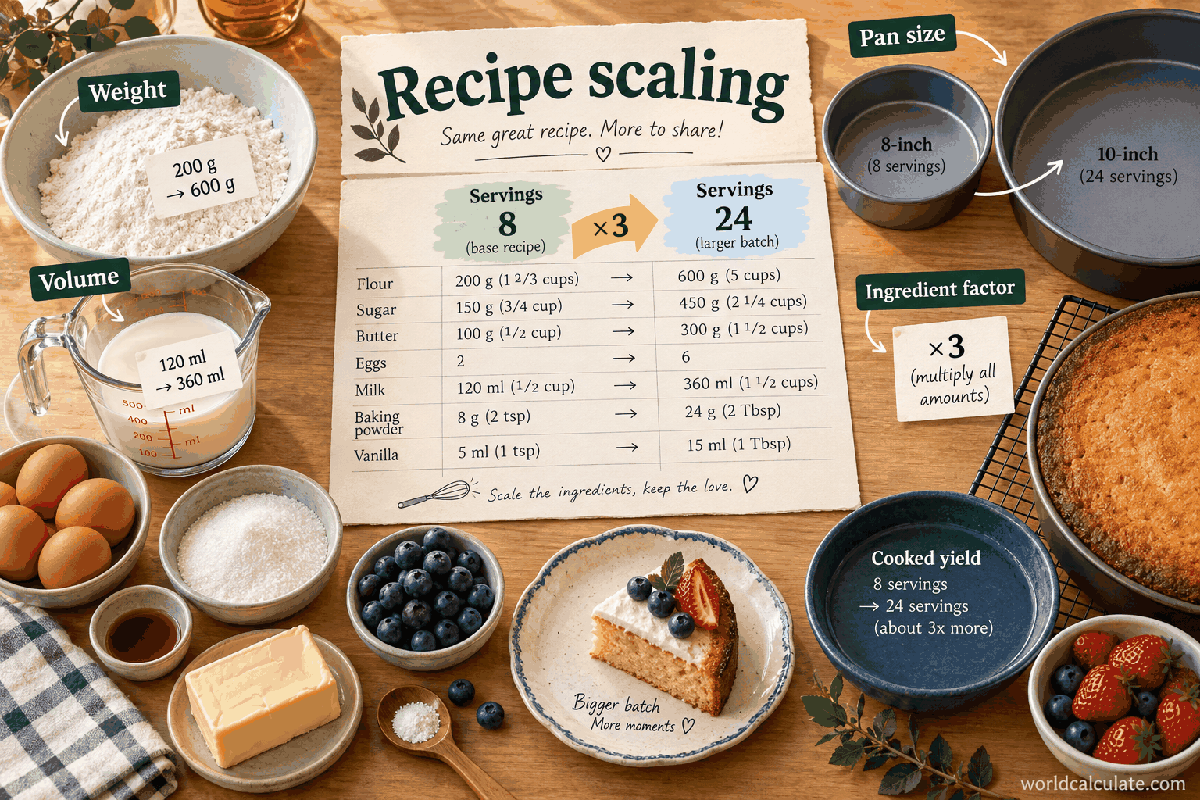
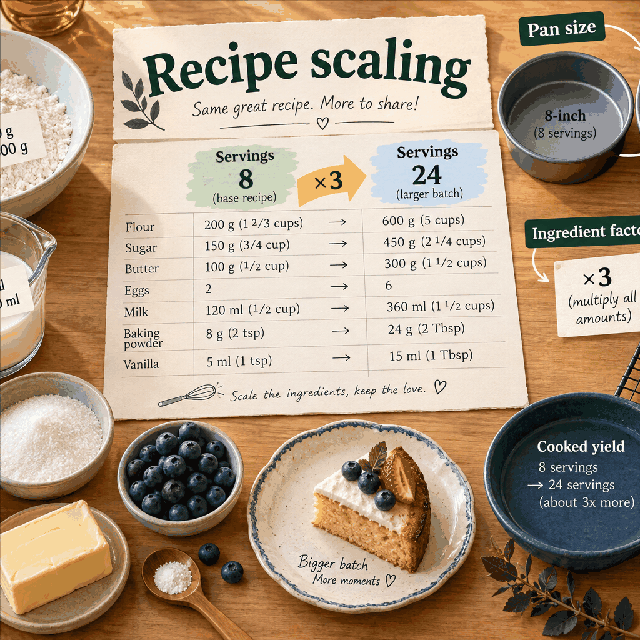
Recipe scaling uses a serving ratio, then keeps the ingredient unit visible. Cooking chemistry, pan size, heat, texture, and safety can require adjustments beyond linear arithmetic.
Scaling a recipe is a familiar applied ratio problem. The useful calculation is the transparent factor; the cooking result still depends on the ingredient and method.
Research and review
Researched by Hassan ALRowaie, Founder and editorial researcher at WorldCalculate.
This guide follows the live calculator's declared inputs, formula, worked example, assumptions, validation boundaries, and source-backed methodology. The review date describes editorial review of the calculator explanation; it is not a promise that external facts or rates remain current.
A holiday meal does not come from one universal plate. Turkey, stuffing, sides, gravy, and dessert change by recipe and portion, so WorldCalculate lets the visitor enter the values behind the meal before showing a total or an activity scenario.
Enter calories per serving and the number of servings for each dish group. The page includes common holiday categories, but the values are editable so the calculator can represent a local recipe or a packaged product.
Keep the serving definition beside the calorie value. A scoop, slice, ladle, or weight can all be called a serving while representing different quantities.
Each dish contributes its per-serving calories multiplied by its entered serving count. The handler adds those six contributions and shows each row in the evidence table.
This makes it easier to find a large total caused by a portion assumption rather than by a hidden fixed database value.
Dividing by the number of diners gives an average only. It does not prove that everyone ate equal portions or that every dish was shared evenly.
Use the per-diner number as a planning comparison and keep individual plates separate when people have different portions or dietary needs.
USDA FoodData Central can help locate generic or branded food entries, while a current package label or recipe calculation may better represent the food actually served.
Record the source, serving size, preparation, and date. Do not mix a cooked-food value with a dry weight or a label serving without converting the basis.
The page uses the common MET relationship: calories per minute equals MET multiplied by 3.5 and body mass in kilograms, divided by 200. Activity time is meal calories divided by that scenario rate.
The result is intentionally labeled a scenario. Real expenditure varies with pace, fitness, terrain, duration, temperature, and individual physiology.
A plate with 170 kcal turkey, 180 kcal stuffing, 220 kcal potatoes, 50 kcal gravy, 100 kcal vegetables, and 350 kcal dessert totals 1,070 kcal when each is one serving.
At 4 MET and 70 kg, the modeled rate is 4.9 kcal per minute, so the arithmetic gives about 218 minutes. It is not an instruction to erase or compensate for the meal.
Although the candidate question is associated with Thanksgiving, the fields can represent any holiday or shared meal. Rename the dish groups in your notes and enter the local foods and labels.
The calculator does not assume a US recipe, currency, language, or national nutrition rule. Only the values supplied by the visitor drive the arithmetic.
Does this calculate a healthy meal? No. It totals entered calories and shows a separate activity scenario; it does not judge dietary quality or personal needs.
Can I use zero for a dish? Yes, if the dish is not served. Enter at least one positive dish contribution so the meal scenario has a meaningful total.
Add serving calories for a holiday meal, calculate the meal total and per-diner average, and explore an explicit activity-time scenario.
Meal calories = sum of each entered dish calories-per-serving × servings; average per diner = meal calories ÷ diners; activity burn rate = MET × 3.5 × body mass ÷ 200 kcal/min; activity time = meal calories ÷ burn rate. Holiday meals are assembled from different recipes and portions, so a fixed dish table can misrepresent a visitor’s plate. This worksheet accepts the visitor’s serving labels, totals the meal, and keeps an activity calculation separate from nutrition or weight-loss advice.
Enter Turkey calories per serving, Turkey servings, Stuffing calories per serving, Stuffing servings, Potato dish calories per serving, Potato dish servings, Gravy calories per serving, Gravy servings, Vegetable dish calories per serving, Vegetable dish servings, Dessert calories per serving, Dessert servings, Diners sharing the meal, Body weight for activity scenario, Activity intensity, then choose Calculate.
Each calorie value is per serving and each serving count uses the same definition as that value. The visitor should use current package labels, recipe analysis, or a trusted food-composition database for the dish values. Diners is used only to divide the entered meal total; it does not infer equal portions or who ate which dish. The MET input is an explicit activity scenario and is not a measurement of an individual’s energy expenditure. The activity result is not a recommendation to exercise, compensate for eating, or pursue a target body weight. Cooking loss, leftovers, alcohol, snacks, sauces not entered, absorption, and medical nutrition needs are outside the model. Calorie labels and portion conventions can vary by country, product, recipe, and preparation method.
This calculator is part of the WorldCalculate library. Its formula, example, assumptions, input bounds, and output formatting follow the official methodology.
These WorldCalculate collections connect this tool with related questions while keeping each calculation separate and transparent.