
Goal
Build a transparent major-event emissions scenario from construction, travel, accommodation, operations, and other categories, then apply a planning reduction percentage.
Worldwide context
Saved once here, used across the site.
Currency changes display only. Country selection guides tax input; no tax rate is guessed.
Build a transparent major-event emissions scenario from construction, travel, accommodation, operations, and other categories, then apply a planning reduction percentage.
Gross emissions = construction + travel + accommodation + operations + other; scenario reduction = gross emissions × reduction percentage; adjusted emissions = gross − reduction; per-attendee intensity = adjusted emissions ÷ attendees.A clearer path to an answer
This page keeps the calculation transparent: define the goal, enter the matching values, inspect the method, and decide what the result means in your situation.
Build a transparent major-event emissions scenario from construction, travel, accommodation, operations, and other categories, then apply a planning reduction percentage.
Construction emissions · Travel emissions · Accommodation emissions · Operations emissions · Other emissions · Attendees represented · Planning reduction scenario
Gross emissions = construction + travel + accommodation + operations + other; scenario reduction = gross emissions × reduction percentage; adjusted emissions = gross − reduction; per-attendee intensity = adjusted emissions ÷ attendees.
Calculate, review the assumptions below, then compare a related tool when the decision needs more context.
Build a transparent major-event emissions scenario from construction, travel, accommodation, operations, and other categories, then apply a planning reduction percentage.
Open the Major Event Sustainability Emissions Calculator pageMore ecology tools
Download PDFDownload Word (.doc)
Enter your values above and choose Calculate to see the result here.
Calculation map
Gross emissions = construction + travel + accommodation + operations + other; scenario reduction = gross emissions × reduction percentage; adjusted emissions = gross − reduction; per-attendee intensity = adjusted emissions ÷ attendees.
Bounded, transparent calculation
Your recent runs stay in this browser session only.
Formula: Gross emissions = construction + travel + accommodation + operations + other; scenario reduction = gross emissions × reduction percentage; adjusted emissions = gross − reduction; per-attendee intensity = adjusted emissions ÷ attendees.
Large events combine several activity categories and can become confusing when the total is presented without its building blocks. This scenario planner keeps the categories separate, applies one explicit reduction assumption, and reports adjusted total and per-attendee intensity. It is a planning model, not an official inventory for a particular event.
Worked example: The gross scenario is 240,000 tCO₂e, the 20% planning reduction is 48,000 tCO₂e, and adjusted intensity is 0.192 tCO₂e per attendee.
The displayed limits are checked before the handler runs. Model-specific domain checks may also reject impossible or non-finite inputs.
Methodology: This calculator follows the WorldCalculate input, formula, precision, and boundary policy. Read the official methodology.
Calculator usage statistics
This section counts anonymous successful Calculate submissions, not unique visitors. Counts and top tools appear only when trusted aggregate data is available; country analysis is shown only under the same condition and reporting threshold.
Answer-first guide
Build a transparent major-event emissions scenario from construction, travel, accommodation, operations, and other categories, then apply a planning reduction percentage. Start with one clearly defined goal, enter values in the units shown, and keep the result attached to the assumptions below.
This tool is useful when your question includes Olympic sustainability calculator, major event carbon calculator, event emissions per attendee. It returns the outputs declared in the calculator contract rather than a live quote, approval, diagnosis, or professional sign-off.
Construction emissions · Travel emissions · Accommodation emissions · Operations emissions · Other emissions · Attendees represented · Planning reduction scenario. Keep the same time period, unit system, and currency wherever the form requires comparable values.
Run the worked example first, compare its output with the page's example, then change one input at a time. This makes an unexpected result easier to trace to a unit, boundary, or assumption.
Need a wider view? Browse Ecology & Sustainability Calculators or compare the related tools below. The WorldCalculate methodology explains how formulas, examples, limits, and revisions are reviewed.
Gross emissions = construction + travel + accommodation + operations + other; scenario reduction = gross emissions × reduction percentage; adjusted emissions = gross − reduction; per-attendee intensity = adjusted emissions ÷ attendees.
Large events combine several activity categories and can become confusing when the total is presented without its building blocks. This scenario planner keeps the categories separate, applies one explicit reduction assumption, and reports adjusted total and per-attendee intensity. It is a planning model, not an official inventory for a particular event.
The gross scenario is 240,000 tCO₂e, the 20% planning reduction is 48,000 tCO₂e, and adjusted intensity is 0.192 tCO₂e per attendee.
Context and background
Ecology and sustainability scenarios depend on geography, technology, lifecycle boundary, season, measurement method, and the factor supplied by the visitor.
Environmental analysis became more actionable as systems were described by flows, stocks, boundaries, and time periods. A transparent scenario is more useful than a universal-looking number with hidden assumptions.
Research and review
Researched by Hassan ALRowaie, Founder and editorial researcher at WorldCalculate.
This guide follows the live calculator's declared inputs, formula, worked example, assumptions, validation boundaries, and source-backed methodology. The review date describes editorial review of the calculator explanation; it is not a promise that external facts or rates remain current.
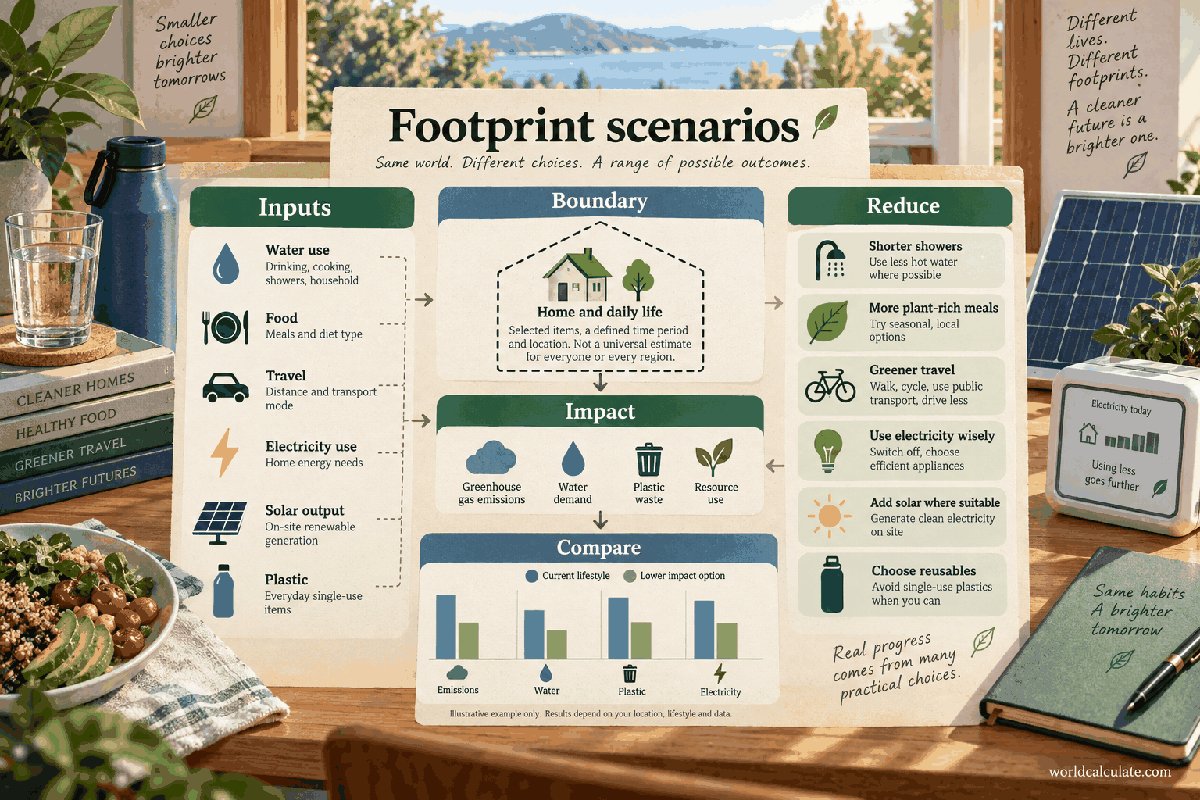
Major events create a familiar planning problem: many activities contribute emissions, but a single headline number hides the decisions behind it. This calculator provides a category-level scenario using construction, travel, accommodation, operations, and other emissions. It also shows how an explicitly entered reduction assumption changes the total and the chosen attendee denominator.
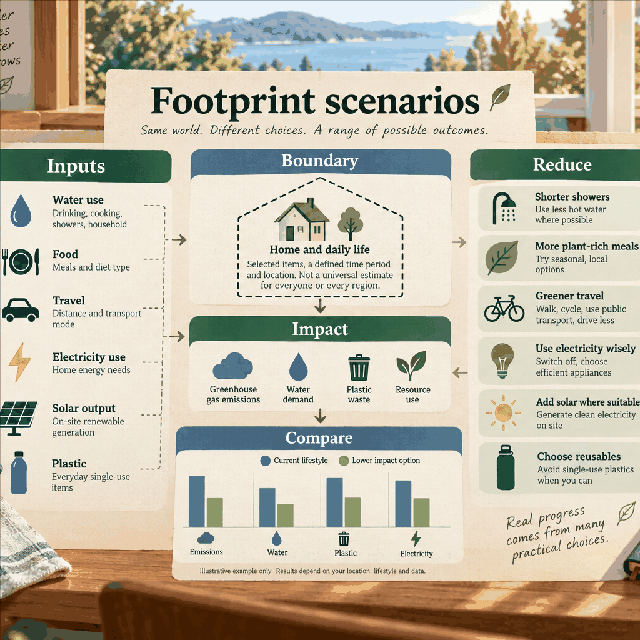
The page is a planning worksheet for a major event, sports competition, venue program, or festival. It does not fetch live event data and it does not claim to represent an official inventory. The user supplies category estimates, chooses the number of attendees represented, and records a scenario reduction percentage.
That narrow scope is intentional. A useful early model should expose assumptions before a public claim is made. The category table gives a team something to review: which activity is largest, which data are measured, and which values are still estimates or placeholders for an approved inventory process.
Construction can include temporary and permanent infrastructure if the accounting boundary says so. Travel can include spectators, staff, athletes, freight, or another defined group. Accommodation and operations can cover different energy and service activities. Other emissions is a visible remainder for documented categories that do not fit the first four.
The names are not a universal emissions standard. Before using the calculator for reporting, map each category to the chosen protocol and prevent overlap. For example, venue electricity should not be counted in operations and again inside accommodation unless the boundary explicitly separates them. Category clarity protects the total from double counting.
The gross total is the direct sum of the five entered categories. If construction is 100,000 tonnes, travel 80,000, accommodation 20,000, operations 30,000, and other 10,000, the gross scenario is 240,000 tonnes. The calculator prints the total and table so each term can be checked.
A gross total is not automatically a footprint of a person’s attendance. It can include infrastructure used for years or travel associated with a much wider population. That is why the per-attendee result should be labeled as an intensity for the selected scenario, not as a personal receipt or universal event average.
The reduction input is a simple scenario percentage. A 20% assumption means the model subtracts 20% of the gross total and leaves 80% as the adjusted scenario. This arithmetic is useful for comparing plans, but it does not verify that a real project achieved the reduction or that every category responds equally.
For a stronger model, teams can run separate scenarios for each intervention: lower travel demand, efficient venue operations, material reuse, or a renewable-energy procurement plan. Combining them into one percentage is convenient for an early sketch but should not replace activity-level evidence and a documented baseline.
Per-attendee intensity is adjusted emissions divided by the attendee value. The denominator should be defined before comparison. One million people, one million tickets, and one million visits can represent different experiences. If a person attends several days, counting visits instead of unique people changes the meaning of the result.
Use the label in the project record and keep the same denominator across scenarios. If an event reports several denominators, show them separately instead of choosing the smallest or most flattering one. A transparent intensity is more useful than a precise-looking number whose unit is unclear.
An event inventory can contain direct fuel, purchased energy, transport, construction materials, food, accommodation, waste, and other activities. The calculator does not decide which scopes are included. It assumes the user has already chosen a method and entered comparable tCO₂e values.
Record whether each value is measured, modeled, supplier-provided, or estimated. Note emission factors, activity data, time period, and treatment of capital assets. If an input is unknown, do not silently enter zero; a zero says the category is modeled as no emissions, while an unknown says the inventory is incomplete.
A percentage reduction in this page is a planning adjustment to the gross scenario. It is not automatically an avoided-emissions credit, a renewable-energy certificate, or an offset. Those instruments have their own eligibility, baseline, additionality, permanence, and verification questions.
If a plan uses offsets or removals, keep them in a separate documented layer. Report gross emissions, reductions inside the inventory boundary, and any external instruments as different quantities. Folding all of them into one adjusted total makes it difficult for a reader to understand what actually changed at the event.
Start by asking whether the five categories are complete and mutually exclusive. Recalculate the sum. Test the result with a conservative and optimistic scenario. Change the attendee denominator and observe whether the intensity changes because of the event or because the counting unit changed.
Then attach evidence to each category and identify the next measurement step. The calculator is most valuable when it reveals a decision: improve travel data, define construction scope, separate visits from people, or verify an operations estimate. It should support an honest sustainability conversation rather than decorate an unsupported promise.
Build a transparent major-event emissions scenario from construction, travel, accommodation, operations, and other categories, then apply a planning reduction percentage.
Gross emissions = construction + travel + accommodation + operations + other; scenario reduction = gross emissions × reduction percentage; adjusted emissions = gross − reduction; per-attendee intensity = adjusted emissions ÷ attendees. Large events combine several activity categories and can become confusing when the total is presented without its building blocks. This scenario planner keeps the categories separate, applies one explicit reduction assumption, and reports adjusted total and per-attendee intensity. It is a planning model, not an official inventory for a particular event.
Enter Construction emissions, Travel emissions, Accommodation emissions, Operations emissions, Other emissions, Attendees represented, Planning reduction scenario, then choose Calculate.
All category values are greenhouse-gas emissions in tonnes of carbon-dioxide equivalent using one consistent accounting method. Categories are mutually exclusive; shared travel, venue, and supply-chain emissions must not be entered twice. The reduction percentage is a scenario assumption applied uniformly to the gross total, not a verified project result. Attendees are the chosen denominator and can represent visits, people, tickets, or another documented unit only if defined consistently. No offset quality, renewable-energy claim, avoided-emission baseline, or scope boundary is inferred. The result is not an official claim about the Olympic Games or any other named event.
This calculator is part of the WorldCalculate library. Its formula, example, assumptions, input bounds, and output formatting follow the official methodology.
These WorldCalculate collections connect this tool with related questions while keeping each calculation separate and transparent.