
Goal
Estimate a US-style child tax credit scenario with entered child count, credit amount, income phaseout, tax liability, and refundable limits.
Worldwide context
Saved once here, used across the site.
Currency changes display only. Country selection guides tax input; no tax rate is guessed.
Estimate a US-style child tax credit scenario with entered child count, credit amount, income phaseout, tax liability, and refundable limits.
Base credit = qualifying children × maximum per-child credit; phaseout reduction = ceiling(max(0, MAGI − threshold) ÷ increment) × reduction per increment; tentative credit = max(0, base credit − reduction); nonrefundable credit = min(tentative credit, tax liability); refundable credit = min(tentative credit − nonrefundable credit, children × refundable maximum, max(0, earned income − floor) × refundable rate).A clearer path to an answer
This page keeps the calculation transparent: define the goal, enter the matching values, inspect the method, and decide what the result means in your situation.
Estimate a US-style child tax credit scenario with entered child count, credit amount, income phaseout, tax liability, and refundable limits.
Qualifying children in the scenario · Maximum credit per child · Adjusted gross income / MAGI · Phaseout threshold · Phaseout income increment · Credit reduction per increment · Tax liability before this credit · Earned income · Refundable maximum per child · Refundable earned-income floor · Refundable earned-income rate
Base credit = qualifying children × maximum per-child credit; phaseout reduction = ceiling(max(0, MAGI − threshold) ÷ increment) × reduction per increment; tentative credit = max(0, base credit − reduction); nonrefundable credit = min(tentative credit, tax liability); refundable credit = min(tentative credit − nonrefundable credit, children × refundable maximum, max(0, earned income − floor) × refundable rate).
Calculate, review the assumptions below, then compare a related tool when the decision needs more context.
Estimate a US-style child tax credit scenario with entered child count, credit amount, income phaseout, tax liability, and refundable limits.
Open the US Child Tax Credit Scenario Calculator pageMore finance tools
Download PDFDownload Word (.doc)
Enter your values above and choose Calculate to see the result here.
Calculation map
Base credit = qualifying children × maximum per-child credit; phaseout reduction = ceiling(max(0, MAGI − threshold) ÷ increment) × reduction per increment; tentative credit = max(0, base credit − reduction); nonrefundable credit = min(tentative credit, tax liability); refundable credit = min(tentative credit − nonrefundable credit, children × refundable maximum, max(0, earned income − floor) × refundable rate).
Bounded, transparent calculation
Your recent runs stay in this browser session only.
Formula: Base credit = qualifying children × maximum per-child credit; phaseout reduction = ceiling(max(0, MAGI − threshold) ÷ increment) × reduction per increment; tentative credit = max(0, base credit − reduction); nonrefundable credit = min(tentative credit, tax liability); refundable credit = min(tentative credit − nonrefundable credit, children × refundable maximum, max(0, earned income − floor) × refundable rate).
This worksheet separates the credit before phaseout, the income reduction, the amount usable against tax, and a simplified refundable ceiling. The parameters are editable because credit amounts, thresholds, and eligibility rules are tied to a tax year and filing situation.
Worked example: The base credit and tentative credit are 4,400; 3,000 is usable against the entered tax liability and the remaining 1,400 is within the entered refundable limits, for 4,400 total in this scenario.
The displayed limits are checked before the handler runs. Model-specific domain checks may also reject impossible or non-finite inputs.
Methodology: This calculator follows the WorldCalculate input, formula, precision, and boundary policy. Read the official methodology.
Calculator usage statistics
This section counts anonymous successful Calculate submissions, not unique visitors. Counts and top tools appear only when trusted aggregate data is available; country analysis is shown only under the same condition and reporting threshold.
Answer-first guide
Estimate a US-style child tax credit scenario with entered child count, credit amount, income phaseout, tax liability, and refundable limits. Start with one clearly defined goal, enter values in the units shown, and keep the result attached to the assumptions below.
This tool is useful when your question includes child tax credit calculator, CTC calculator, additional child tax credit calculator. It returns the outputs declared in the calculator contract rather than a live quote, approval, diagnosis, or professional sign-off.
Qualifying children in the scenario · Maximum credit per child · Adjusted gross income / MAGI · Phaseout threshold · Phaseout income increment · Credit reduction per increment · Tax liability before this credit · Earned income · Refundable maximum per child · Refundable earned-income floor · Refundable earned-income rate. Keep the same time period, unit system, and currency wherever the form requires comparable values.
Run the worked example first, compare its output with the page's example, then change one input at a time. This makes an unexpected result easier to trace to a unit, boundary, or assumption.
Need a wider view? Browse Finance Calculators or compare the related tools below. The WorldCalculate methodology explains how formulas, examples, limits, and revisions are reviewed.
Base credit = qualifying children × maximum per-child credit; phaseout reduction = ceiling(max(0, MAGI − threshold) ÷ increment) × reduction per increment; tentative credit = max(0, base credit − reduction); nonrefundable credit = min(tentative credit, tax liability); refundable credit = min(tentative credit − nonrefundable credit, children × refundable maximum, max(0, earned income − floor) × refundable rate).
This worksheet separates the credit before phaseout, the income reduction, the amount usable against tax, and a simplified refundable ceiling. The parameters are editable because credit amounts, thresholds, and eligibility rules are tied to a tax year and filing situation.
The base credit and tentative credit are 4,400; 3,000 is usable against the entered tax liability and the remaining 1,400 is within the entered refundable limits, for 4,400 total in this scenario.
Context and background
Finance tools compare amounts across time, rates, and definitions. A payment, balance, return, or ratio is meaningful only when its period, cash-flow timing, and units are stated.
Financial planning developed around making cash flows and performance comparable. WorldCalculate keeps that practical tradition visible through explicit formulas and scenario inputs rather than assuming a universal contract.
Research and review
Researched by Hassan ALRowaie, Founder and editorial researcher at WorldCalculate.
This guide follows the live calculator's declared inputs, formula, worked example, assumptions, validation boundaries, and source-backed methodology. The review date describes editorial review of the calculator explanation; it is not a promise that external facts or rates remain current.
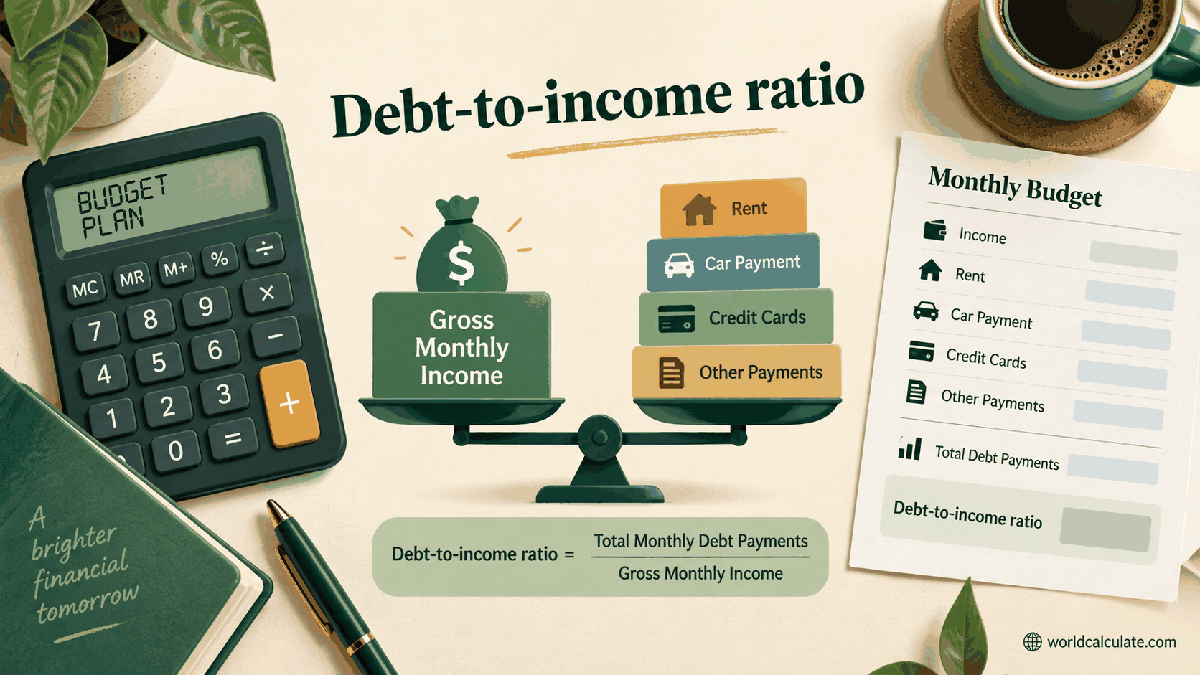
A child tax credit estimate can look simple until the credit is limited by income, tax liability, or a refundable formula. This page shows the calculation as a sequence so visitors can see which limit is active instead of receiving one unexplained total.

The worksheet estimates a credit using entered parameters. It does not decide whether a taxpayer or child qualifies, and it should not be treated as a completed IRS eligibility interview.
The first line multiplies the number of qualifying children by the entered maximum amount. The amount must be updated for the relevant tax year and should match the current IRS instructions.
If adjusted gross income exceeds the entered threshold, the worksheet counts income increments and applies the entered reduction per increment. This makes the phaseout visible and avoids hiding a threshold in a vague label.
A nonrefundable credit can reduce tax liability but cannot create more of that part of the credit than the liability allows. The calculator therefore caps the nonrefundable amount at the entered liability.
The refundable line is capped by the remaining tentative credit, the per-child refundable maximum, and the entered earned-income formula. This is a simplified planning model; the actual form instructions control.
Two children at 2,200 each produce 4,400 before phaseout. With income below the 200,000 threshold, 3,000 of tax liability uses 3,000 nonrefundable credit; the remaining 1,400 fits inside the entered refundable limits.
The IRS lists requirements involving the child’s age, relationship, support, residence, dependency, filing return, and identification. A calculator can show arithmetic but cannot verify those facts.
Credit amounts, refundable limits, thresholds, and instructions can change. Save the tax year and the source used with any estimate, then revisit the inputs before filing.
Compare the result with current IRS instructions or the Interactive Tax Assistant, especially when income is near a threshold or multiple credits interact. Keep records supporting the children, income, and filing status used.
Estimate a US-style child tax credit scenario with entered child count, credit amount, income phaseout, tax liability, and refundable limits.
Base credit = qualifying children × maximum per-child credit; phaseout reduction = ceiling(max(0, MAGI − threshold) ÷ increment) × reduction per increment; tentative credit = max(0, base credit − reduction); nonrefundable credit = min(tentative credit, tax liability); refundable credit = min(tentative credit − nonrefundable credit, children × refundable maximum, max(0, earned income − floor) × refundable rate). This worksheet separates the credit before phaseout, the income reduction, the amount usable against tax, and a simplified refundable ceiling. The parameters are editable because credit amounts, thresholds, and eligibility rules are tied to a tax year and filing situation.
Enter Qualifying children in the scenario, Maximum credit per child, Adjusted gross income / MAGI, Phaseout threshold, Phaseout income increment, Credit reduction per increment, Tax liability before this credit, Earned income, Refundable maximum per child, Refundable earned-income floor, Refundable earned-income rate, then choose Calculate.
The entered children are assumed to satisfy the visitor’s qualifying-child test for the chosen scenario. The credit amount and thresholds are entered parameters for a selected tax year. Phaseout is modelled per entered increment and rounds a partial increment upward. Nonrefundable credit cannot exceed the entered tax liability. Refundable credit is limited to the remaining tentative credit. Refundable credit is also limited by the entered per-child maximum. The refundable earned-income line uses the entered floor and rate. Filing status, valid identification numbers, residency, support, and dependency tests are not determined. Other credits, alternative minimum tax, withholding, and refund timing are excluded. IRS instructions and the applicable tax year control over this educational scenario.
This calculator is part of the WorldCalculate library. Its formula, example, assumptions, input bounds, and output formatting follow the official methodology.
These WorldCalculate collections connect this tool with related questions while keeping each calculation separate and transparent.