
Goal
Reconcile EBITDA from net income, interest, income tax, depreciation, amortization, and revenue, then show the resulting margin.
Worldwide context
Saved once here, used across the site.
Currency changes display only. Country selection guides tax input; no tax rate is guessed.
Reconcile EBITDA from net income, interest, income tax, depreciation, amortization, and revenue, then show the resulting margin.
EBIT = net income + interest expense + income tax expense; EBITDA = EBIT + depreciation + amortization; EBITDA margin = EBITDA ÷ revenue × 100.A clearer path to an answer
This page keeps the calculation transparent: define the goal, enter the matching values, inspect the method, and decide what the result means in your situation.
Reconcile EBITDA from net income, interest, income tax, depreciation, amortization, and revenue, then show the resulting margin.
Net income (or loss) · Interest expense · Income tax expense (or benefit) · Depreciation · Amortization · Revenue
EBIT = net income + interest expense + income tax expense; EBITDA = EBIT + depreciation + amortization; EBITDA margin = EBITDA ÷ revenue × 100.
Calculate, review the assumptions below, then compare a related tool when the decision needs more context.
Reconcile EBITDA from net income, interest, income tax, depreciation, amortization, and revenue, then show the resulting margin.
Open the EBITDA Reconciliation Calculator pageMore finance tools
Download PDFDownload Word (.doc)
Enter your values above and choose Calculate to see the result here.
Calculation map
EBIT = net income + interest expense + income tax expense; EBITDA = EBIT + depreciation + amortization; EBITDA margin = EBITDA ÷ revenue × 100.
Bounded, transparent calculation
Your recent runs stay in this browser session only.
Formula: EBIT = net income + interest expense + income tax expense; EBITDA = EBIT + depreciation + amortization; EBITDA margin = EBITDA ÷ revenue × 100.
The reconciliation starts with net income and adds back the entered interest, tax, depreciation, and amortization amounts. It intentionally calculates the named EBITDA measure only; it does not silently add stock compensation, restructuring, rent, or other company-specific adjustments.
Worked example: EBIT is 170,000, EBITDA is 200,000, and EBITDA margin is 20%.
The displayed limits are checked before the handler runs. Model-specific domain checks may also reject impossible or non-finite inputs.
Methodology: This calculator follows the WorldCalculate input, formula, precision, and boundary policy. Read the official methodology.
Calculator usage statistics
This section counts anonymous successful Calculate submissions, not unique visitors. Counts and top tools appear only when trusted aggregate data is available; country analysis is shown only under the same condition and reporting threshold.
Answer-first guide
Reconcile EBITDA from net income, interest, income tax, depreciation, amortization, and revenue, then show the resulting margin. Start with one clearly defined goal, enter values in the units shown, and keep the result attached to the assumptions below.
This tool is useful when your question includes EBITDA calculator, EBITDA formula, earnings before interest taxes depreciation amortization. It returns the outputs declared in the calculator contract rather than a live quote, approval, diagnosis, or professional sign-off.
Net income (or loss) · Interest expense · Income tax expense (or benefit) · Depreciation · Amortization · Revenue. Keep the same time period, unit system, and currency wherever the form requires comparable values.
Run the worked example first, compare its output with the page's example, then change one input at a time. This makes an unexpected result easier to trace to a unit, boundary, or assumption.
Need a wider view? Browse Finance Calculators or compare the related tools below. The WorldCalculate methodology explains how formulas, examples, limits, and revisions are reviewed.
EBIT = net income + interest expense + income tax expense; EBITDA = EBIT + depreciation + amortization; EBITDA margin = EBITDA ÷ revenue × 100.
The reconciliation starts with net income and adds back the entered interest, tax, depreciation, and amortization amounts. It intentionally calculates the named EBITDA measure only; it does not silently add stock compensation, restructuring, rent, or other company-specific adjustments.
EBIT is 170,000, EBITDA is 200,000, and EBITDA margin is 20%.
Context and background
Finance tools compare amounts across time, rates, and definitions. A payment, balance, return, or ratio is meaningful only when its period, cash-flow timing, and units are stated.
Financial planning developed around making cash flows and performance comparable. WorldCalculate keeps that practical tradition visible through explicit formulas and scenario inputs rather than assuming a universal contract.
Research and review
Researched by Hassan ALRowaie, Founder and editorial researcher at WorldCalculate.
This guide follows the live calculator's declared inputs, formula, worked example, assumptions, validation boundaries, and source-backed methodology. The review date describes editorial review of the calculator explanation; it is not a promise that external facts or rates remain current.
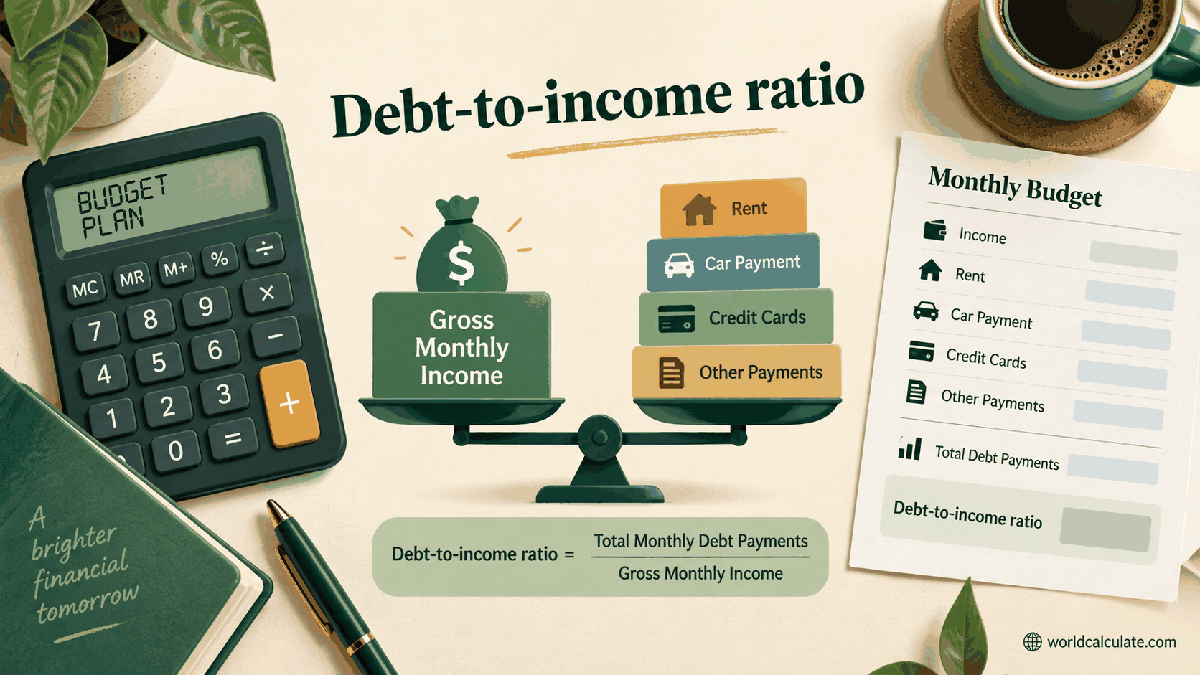
EBITDA is often quoted as if it were a single universal measure, but the arithmetic is only as trustworthy as the reconciliation behind it. This page starts at net income, adds the named interest, tax, depreciation, and amortization amounts, and then relates the result to revenue. The separate lines help a reader see the formula without confusing EBITDA with cash in the bank or with an adjusted measure that includes additional exclusions.
EBITDA means earnings before interest, taxes, depreciation, and amortization. The calculator uses net income or loss as the starting point, adds interest expense and income tax expense to reach EBIT, then adds depreciation and amortization to reach EBITDA. Revenue is a separate denominator for the margin output.
This is a named-measure reconciliation, not an attempt to redesign a company's accounts. The page does not fetch a statement, decide which expenses are operating, or infer an adjusted EBITDA. The user must bring matching period totals from the underlying records.
The first line is EBIT = net income + interest expense + income tax expense. If net income is 120,000, interest is 20,000, and tax expense is 30,000, EBIT is 170,000. EBITDA then adds depreciation of 25,000 and amortization of 5,000, producing 200,000.
A tax benefit is entered as a negative tax expense when that is how the source statement presents it. This keeps the sign visible. Changing a tax benefit into a positive expense just to make the result look larger would break the reconciliation, so the handler preserves the entered sign.
Using revenue of 1,000,000, the EBITDA margin is 200,000 ÷ 1,000,000 × 100 = 20%. That percentage describes the ratio in this selected period and scope. It is not an annual forecast, a valuation multiple, or a statement that 20% of revenue is available for distribution.
If revenue is changed while every expense line stays fixed, the margin moves because the denominator changed. If the accounting scope changes between periods, the percentage can become less comparable even when the arithmetic is correct. Record the period, entity, currency, and inclusion policy beside every comparison.
Many companies publish an adjusted EBITDA that adds or removes items beyond the four named categories. Those adjustments may include stock compensation, restructuring, impairment, acquisition costs, rent, or other items depending on the issuer's policy. This calculator does not include an adjustment field because there is no universal list and a hidden list would create false comparability.
If an organization needs adjusted EBITDA, first document each adjustment and reconcile it to the applicable GAAP measure. Then use this page only for the named base reconciliation or create a separate, clearly labeled schedule. Do not rename an adjusted result as ordinary EBITDA.
Depreciation and amortization are added back in the EBITDA arithmetic, but the business may still need to spend cash on equipment, working capital, taxes, debt service, leases, or inventory. EBITDA therefore describes an earnings-style measure before selected items; it does not show the cash that can be withdrawn or used to repay debt.
Two businesses with the same EBITDA can have very different capital requirements, working-capital timing, tax obligations, and financing costs. A cash-flow analysis is a separate calculation and should not be reverse-engineered from the EBITDA output alone.
Every input must describe the same period and reporting perimeter. Mixing monthly net income with annual revenue, consolidated interest with a subsidiary's income, or a different currency creates a number that still looks precise but no longer represents one reconciliation. The form cannot detect those data-definition mistakes.
Before entering values, write a short source note: statement date, entity, currency, revenue definition, and whether tax is expense or benefit. If the source uses an unusual presentation, preserve the source wording and ask an accounting professional how it should be mapped.
EBITDA can be negative when the combined operating result before the named add-backs is negative. A negative margin then means the displayed EBITDA is below zero relative to positive revenue. The result is descriptive; it does not decide whether a business is viable or whether an investment should be made.
A revenue value must remain positive for the margin. The handler rejects zero or negative revenue rather than returning an undefined or misleading percentage. Monetary values remain finite and can be negative where the accounting meaning allows it.
Does EBITDA include interest? The displayed EBITDA adds back the entered interest expense. Does it include depreciation and amortization? Yes, the named result adds both entered amounts. Is EBITDA a GAAP line item? It is generally treated as a non-GAAP measure and may need reconciliation and presentation discipline. Does the calculator include adjusted items? No. Does it calculate free cash flow? No; capital expenditure, working capital, taxes, and financing cash flows need another model.
Reconcile EBITDA from net income, interest, income tax, depreciation, amortization, and revenue, then show the resulting margin.
EBIT = net income + interest expense + income tax expense; EBITDA = EBIT + depreciation + amortization; EBITDA margin = EBITDA ÷ revenue × 100. The reconciliation starts with net income and adds back the entered interest, tax, depreciation, and amortization amounts. It intentionally calculates the named EBITDA measure only; it does not silently add stock compensation, restructuring, rent, or other company-specific adjustments.
Enter Net income (or loss), Interest expense, Income tax expense (or benefit), Depreciation, Amortization, Revenue, then choose Calculate.
All monetary inputs refer to the same reporting period, entity, currency, and scope. Interest expense, depreciation, and amortization are entered as nonnegative expenses. Income tax expense may be negative when the statement reports a tax benefit. Revenue is positive so a finite margin can be calculated. The result follows the SEC-described EBITDA naming convention rather than an adjusted EBITDA convention. The calculator does not determine whether a line belongs in GAAP net income or in a company's reconciliation. Working capital, capital expenditure, debt principal, cash, and valuation multiples are excluded. EBITDA is not cash flow, free cash flow, operating income, or a profitability guarantee. A margin is meaningful only when revenue and EBITDA use matching definitions and periods. Users should read the underlying financial statements and disclosures before comparing companies.
This calculator is part of the WorldCalculate library. Its formula, example, assumptions, input bounds, and output formatting follow the official methodology.
These WorldCalculate collections connect this tool with related questions while keeping each calculation separate and transparent.