
Goal
Estimate impact energy, absorbed energy, average stopping force, momentum, and area-normalized energy in a simplified test scenario.
Worldwide context
Saved once here, used across the site.
Currency changes display only. Country selection guides tax input; no tax rate is guessed.
Estimate impact energy, absorbed energy, average stopping force, momentum, and area-normalized energy in a simplified test scenario.
Kinetic energy = ½mv²; absorbed energy = kinetic energy × fraction; average force screen = absorbed energy ÷ stopping distance; specific absorbed energy = absorbed energy ÷ specimen area.A clearer path to an answer
This page keeps the calculation transparent: define the goal, enter the matching values, inspect the method, and decide what the result means in your situation.
Estimate impact energy, absorbed energy, average stopping force, momentum, and area-normalized energy in a simplified test scenario.
Impacting mass · Impact speed · Effective stopping distance · Specimen area · Energy assigned to specimen
Kinetic energy = ½mv²; absorbed energy = kinetic energy × fraction; average force screen = absorbed energy ÷ stopping distance; specific absorbed energy = absorbed energy ÷ specimen area.
Calculate, review the assumptions below, then compare a related tool when the decision needs more context.
Estimate impact energy, absorbed energy, average stopping force, momentum, and area-normalized energy in a simplified test scenario.
Open the Impact Test Energy Screening Calculator pageMore science tools
Download PDFDownload Word (.doc)
Enter your values above and choose Calculate to see the result here.
Calculation map
Kinetic energy = ½mv²; absorbed energy = kinetic energy × fraction; average force screen = absorbed energy ÷ stopping distance; specific absorbed energy = absorbed energy ÷ specimen area.
Bounded, transparent calculation
Your recent runs stay in this browser session only.
Formula: Kinetic energy = ½mv²; absorbed energy = kinetic energy × fraction; average force screen = absorbed energy ÷ stopping distance; specific absorbed energy = absorbed energy ÷ specimen area.
Impact tests often need a clear separation between incoming kinetic energy, the portion assigned to a specimen, and the distance or area used for a comparison. This bounded worksheet makes those assumptions visible without presenting a standard-method result.
Worked example: Incoming kinetic energy is 250 J, assigned absorbed energy is 200 J, average force is 20,000 N, momentum is 50 kg·m/s, and specific absorbed energy is 2,000,000 J/m².
The displayed limits are checked before the handler runs. Model-specific domain checks may also reject impossible or non-finite inputs.
Methodology: This calculator follows the WorldCalculate input, formula, precision, and boundary policy. Read the official methodology.
Calculator usage statistics
This section counts anonymous successful Calculate submissions, not unique visitors. Counts and top tools appear only when trusted aggregate data is available; country analysis is shown only under the same condition and reporting threshold.
Answer-first guide
Estimate impact energy, absorbed energy, average stopping force, momentum, and area-normalized energy in a simplified test scenario. Start with one clearly defined goal, enter values in the units shown, and keep the result attached to the assumptions below.
This tool is useful when your question includes impact test calculator, impact energy, absorbed energy. It returns the outputs declared in the calculator contract rather than a live quote, approval, diagnosis, or professional sign-off.
Impacting mass · Impact speed · Effective stopping distance · Specimen area · Energy assigned to specimen. Keep the same time period, unit system, and currency wherever the form requires comparable values.
Run the worked example first, compare its output with the page's example, then change one input at a time. This makes an unexpected result easier to trace to a unit, boundary, or assumption.
Need a wider view? Browse Science Calculators or compare the related tools below. The WorldCalculate methodology explains how formulas, examples, limits, and revisions are reviewed.
Kinetic energy = ½mv²; absorbed energy = kinetic energy × fraction; average force screen = absorbed energy ÷ stopping distance; specific absorbed energy = absorbed energy ÷ specimen area.
Impact tests often need a clear separation between incoming kinetic energy, the portion assigned to a specimen, and the distance or area used for a comparison. This bounded worksheet makes those assumptions visible without presenting a standard-method result.
Incoming kinetic energy is 250 J, assigned absorbed energy is 200 J, average force is 20,000 N, momentum is 50 kg·m/s, and specific absorbed energy is 2,000,000 J/m².
Context and background
Science calculators define a system, choose an equation, apply units and constants, and show the substitution. Effects outside that model remain outside the result.
Introductory science problem solving builds from measured quantities and idealized relationships. Those models are valuable for learning and first-pass estimates, while experiments and engineering decisions need additional evidence.
Research and review
Researched by Hassan ALRowaie, Founder and editorial researcher at WorldCalculate.
This guide follows the live calculator's declared inputs, formula, worked example, assumptions, validation boundaries, and source-backed methodology. The review date describes editorial review of the calculator explanation; it is not a promise that external facts or rates remain current.
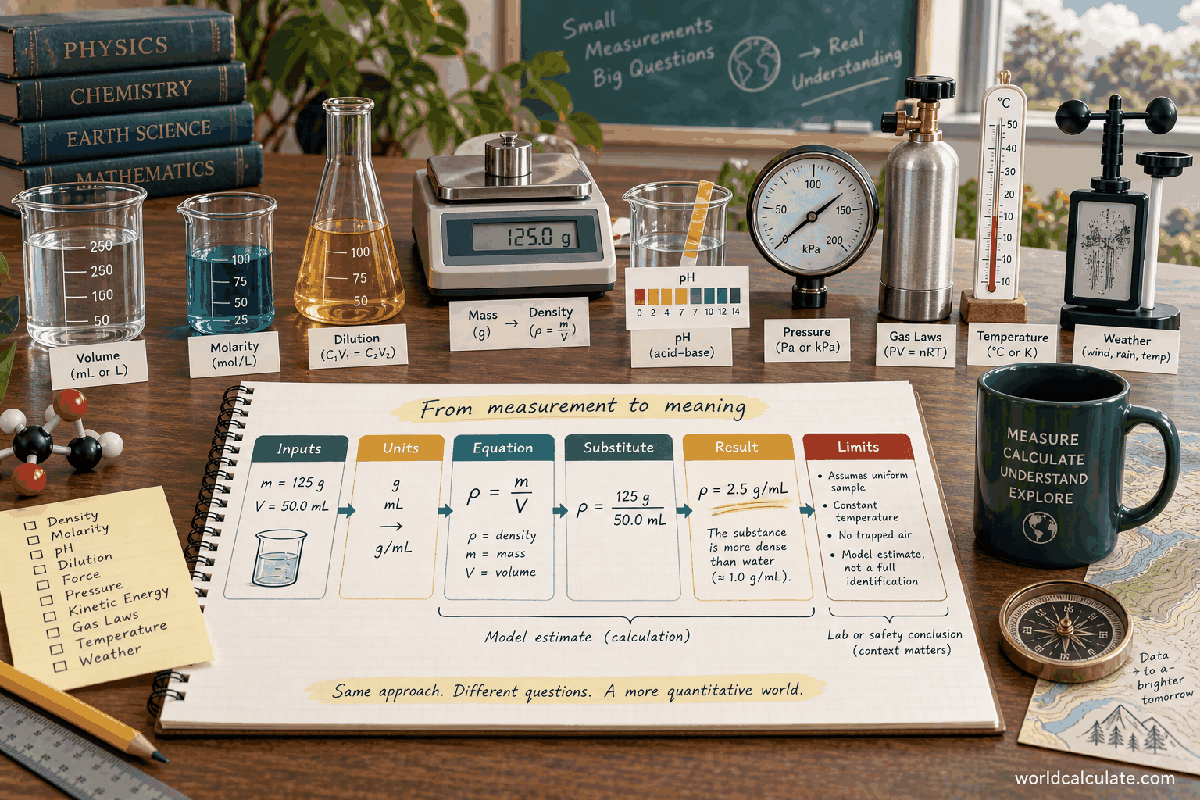
An impact number can mean incoming energy, absorbed energy, average force, peak force, or energy per area. This worksheet keeps those meanings separate and lets the visitor state how much of the ideal kinetic energy is assigned to a specimen.
The page starts with an impacting mass and speed. It calculates the incoming translational kinetic energy and momentum, then applies an entered absorbed-energy fraction to create a specimen-energy scenario.
It also divides the assigned energy by an effective stopping distance for an average-force screen and by a specimen area for an area-normalized comparison. These are different outputs, not interchangeable labels.
Kinetic energy is one half mass times speed squared. Speed has a squared effect, so doubling speed produces four times the incoming energy while holding mass constant.
The result is the energy immediately represented by the entered mass and speed. It does not account for a launcher, air drag, rotation, or other system energy unless those effects are already reflected in the selected inputs.
The absorbed fraction is a scenario input between zero and one. A value of 0.8 means 80 percent of the incoming kinetic energy is assigned to the specimen in this worksheet.
The fraction is not measured automatically. It can represent a documented test assumption, but a real material test needs an energy balance and instrumentation that account for rebound, fixture motion, heat, sound, fracture, and other paths.
Dividing absorbed energy by an effective stopping distance produces an average-force screen because work equals force times distance in the simplest constant-force interpretation.
The result is not the peak force. A short high-force pulse and a longer lower-force pulse can have the same work. The page does not select a force-time curve or an injury, safety, or structural conclusion.
Momentum is mass multiplied by speed and is reported separately from energy. Two scenarios can have similar energy but different momentum when their mass and speed combinations differ.
The time screen assumes constant deceleration across the entered stopping distance. It is a kinematic comparison only and should not be called a measured impact duration.
Area-normalized energy divides assigned absorbed energy by the specimen area. It can help compare scenarios when the area definition is consistent, but it is not automatically a material toughness, fracture energy, or standard impact-test property.
State whether the area is projected, cross-sectional, ligament, or another method-defined area. Changing that definition changes the interpretation even if the arithmetic is correct.
With 5 kg at 10 m/s, incoming kinetic energy is 250 J and momentum is 50 kg·m/s. If 80 percent is assigned to the specimen, absorbed energy is 200 J.
At a 0.01 m effective stopping distance, the average-force screen is 20,000 N. With an area of 0.0001 m², specific absorbed energy is 2,000,000 J/m². The labels preserve each assumption.
Standard impact methods define specimen shape, fixture, striker, speed, conditioning, measurement, failure criteria, and reporting rules. This calculator intentionally does not reproduce those method requirements.
Use it for transparent classroom or early scenario arithmetic. For material qualification, product safety, certification, or design decisions, follow the required standard and qualified test procedure rather than treating this screen as evidence of performance.
Estimate impact energy, absorbed energy, average stopping force, momentum, and area-normalized energy in a simplified test scenario.
Kinetic energy = ½mv²; absorbed energy = kinetic energy × fraction; average force screen = absorbed energy ÷ stopping distance; specific absorbed energy = absorbed energy ÷ specimen area. Impact tests often need a clear separation between incoming kinetic energy, the portion assigned to a specimen, and the distance or area used for a comparison. This bounded worksheet makes those assumptions visible without presenting a standard-method result.
Enter Impacting mass, Impact speed, Effective stopping distance, Specimen area, Energy assigned to specimen, then choose Calculate.
The impacting body is represented by one mass with one incoming speed. The absorbed-energy fraction is a supplied scenario between zero and one. Average force is spread over one entered effective stopping distance. Specific absorbed energy divides the assigned energy by the entered specimen area. The stopping event is not resolved into a force-time curve or a peak force. Fracture, rebound, fixture compliance, strain rate, temperature, material anisotropy, and standard test geometry are not modeled.
This calculator is part of the WorldCalculate library. Its formula, example, assumptions, input bounds, and output formatting follow the official methodology.
These WorldCalculate collections connect this tool with related questions while keeping each calculation separate and transparent.