
Goal
Estimate how an extra monthly payment or one-time principal payment changes the payoff time and interest of a fixed amortizing loan.
Worldwide context
Saved once here, used across the site.
Currency changes display only. Country selection guides tax input; no tax rate is guessed.
Estimate how an extra monthly payment or one-time principal payment changes the payoff time and interest of a fixed amortizing loan.
Scheduled payment = P×r/[1−(1+r)^−n] for r>0, or P/n when r=0; each simulated period applies interest to the balance and sends the scheduled payment plus extra payment to principal, limited by the remaining balance.A clearer path to an answer
This page keeps the calculation transparent: define the goal, enter the matching values, inspect the method, and decide what the result means in your situation.
Estimate how an extra monthly payment or one-time principal payment changes the payoff time and interest of a fixed amortizing loan.
Current principal balance · Annual interest rate · Remaining scheduled months · Extra monthly principal payment · One-time principal payment now
Scheduled payment = P×r/[1−(1+r)^−n] for r>0, or P/n when r=0; each simulated period applies interest to the balance and sends the scheduled payment plus extra payment to principal, limited by the remaining balance.
Calculate, review the assumptions below, then compare a related tool when the decision needs more context.
Estimate how an extra monthly payment or one-time principal payment changes the payoff time and interest of a fixed amortizing loan.
Open the Mortgage Extra Payment and Interest-Saving Calculator pageMore finance tools
Download PDFDownload Word (.doc)
Enter your values above and choose Calculate to see the result here.
Calculation map
Scheduled payment = P×r/[1−(1+r)^−n] for r>0, or P/n when r=0; each simulated period applies interest to the balance and sends the scheduled payment plus extra payment to principal, limited by the remaining balance.
Bounded, transparent calculation
Your recent runs stay in this browser session only.
Formula: Scheduled payment = P×r/[1−(1+r)^−n] for r>0, or P/n when r=0; each simulated period applies interest to the balance and sends the scheduled payment plus extra payment to principal, limited by the remaining balance.
This is a transparent fixed-rate amortization scenario. It compares the scheduled loan with a plan that applies a one-time principal reduction and an extra amount each month. It does not assume a country, lender, prepayment rule, recast, or penalty; the visitor must confirm how extra payments are applied by the servicer.
Worked example: The standard monthly payment is about 1,461.29; the extra-payment schedule finishes sooner and reports the simulated months and interest saved.
The displayed limits are checked before the handler runs. Model-specific domain checks may also reject impossible or non-finite inputs.
Methodology: This calculator follows the WorldCalculate input, formula, precision, and boundary policy. Read the official methodology.
Calculator usage statistics
This section counts anonymous successful Calculate submissions, not unique visitors. Counts and top tools appear only when trusted aggregate data is available; country analysis is shown only under the same condition and reporting threshold.
Answer-first guide
Estimate how an extra monthly payment or one-time principal payment changes the payoff time and interest of a fixed amortizing loan. Start with one clearly defined goal, enter values in the units shown, and keep the result attached to the assumptions below.
This tool is useful when your question includes mortgage prepayment calculator, extra mortgage payment, interest saved. It returns the outputs declared in the calculator contract rather than a live quote, approval, diagnosis, or professional sign-off.
Current principal balance · Annual interest rate · Remaining scheduled months · Extra monthly principal payment · One-time principal payment now. Keep the same time period, unit system, and currency wherever the form requires comparable values.
Run the worked example first, compare its output with the page's example, then change one input at a time. This makes an unexpected result easier to trace to a unit, boundary, or assumption.
Need a wider view? Browse Finance Calculators or compare the related tools below. The WorldCalculate methodology explains how formulas, examples, limits, and revisions are reviewed.
Scheduled payment = P×r/[1−(1+r)^−n] for r>0, or P/n when r=0; each simulated period applies interest to the balance and sends the scheduled payment plus extra payment to principal, limited by the remaining balance.
This is a transparent fixed-rate amortization scenario. It compares the scheduled loan with a plan that applies a one-time principal reduction and an extra amount each month. It does not assume a country, lender, prepayment rule, recast, or penalty; the visitor must confirm how extra payments are applied by the servicer.
The standard monthly payment is about 1,461.29; the extra-payment schedule finishes sooner and reports the simulated months and interest saved.
Context and background
Finance tools compare amounts across time, rates, and definitions. A payment, balance, return, or ratio is meaningful only when its period, cash-flow timing, and units are stated.
Financial planning developed around making cash flows and performance comparable. WorldCalculate keeps that practical tradition visible through explicit formulas and scenario inputs rather than assuming a universal contract.
Research and review
Researched by Hassan ALRowaie, Founder and editorial researcher at WorldCalculate.
This guide follows the live calculator's declared inputs, formula, worked example, assumptions, validation boundaries, and source-backed methodology. The review date describes editorial review of the calculator explanation; it is not a promise that external facts or rates remain current.
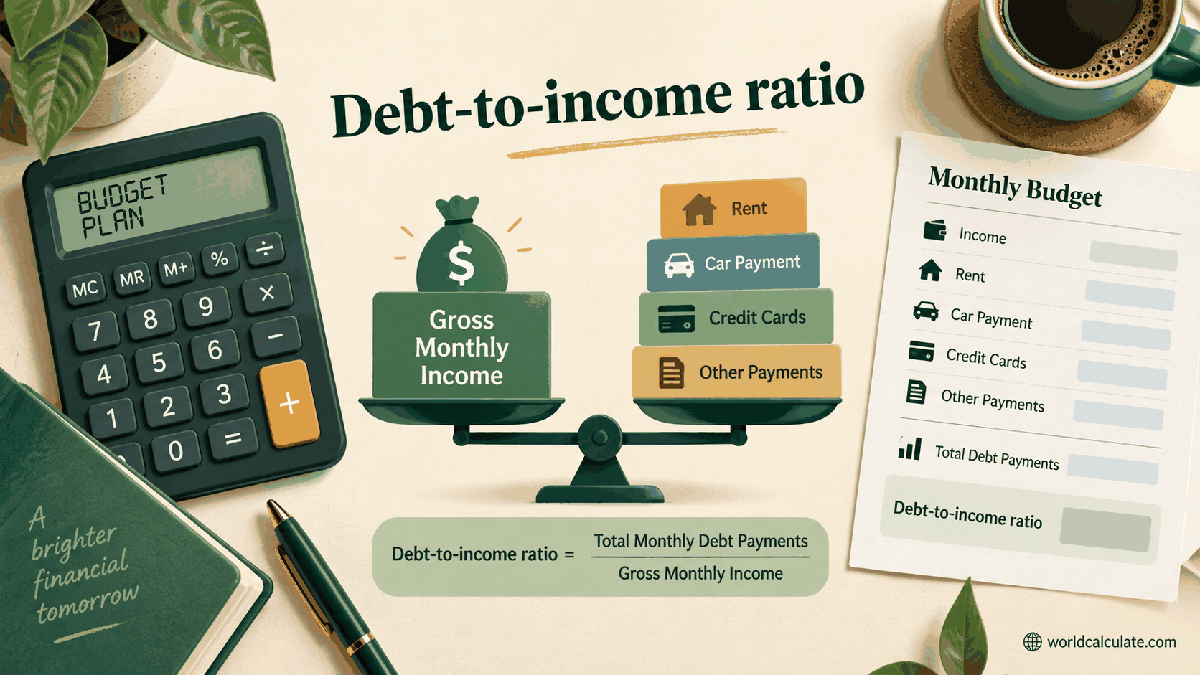
An extra mortgage payment can shorten a loan, reduce future interest, or do both. The result depends on the current balance, rate, remaining term, and exactly how the lender applies additional money. WorldCalculate models those choices as a month-by-month balance, while keeping the result separate from a lender's official payoff quote.

A normal amortizing payment contains interest for the period and a principal portion. When principal falls, later interest is calculated on a smaller balance. That is why an extra principal payment can have an effect beyond its immediate amount.
The timing and application matter. An amount sent to a servicer may be held, advance a future due date, or reduce principal depending on the contract and instructions. This calculator assumes the amount reduces principal.
For a fixed monthly rate, the scheduled payment is calculated from principal, rate, and remaining months. At zero interest, the same balance is divided evenly across the scheduled periods.
The calculator treats the entered balance as the starting balance today. It does not reconstruct the original loan or infer a payment from a partial statement, which avoids hiding an incorrect starting point.
Each simulated month first computes interest on the current balance. The regular payment plus the extra monthly amount then reduces principal, with the final payment capped so the balance reaches zero rather than becoming negative.
This visible sequence is useful for learning and budgeting. It also explains why a large extra payment near the end may have little interest effect: there are fewer future periods on which the lower balance can matter.
A one-time principal payment changes the starting balance immediately. An extra monthly payment repeats the reduction each period. Visitors can enter either one or both and see the combined scenario.
The two choices are not interchangeable in a household plan. A one-time payment may use savings that cannot be replenished, while a recurring amount may be easier to stop or adjust. The numerical comparison does not make that personal decision.
Months saved is the scheduled number minus the number of simulated periods needed after the extra payment plan. It is a time comparison, not a promise that a servicer will change the contractual maturity date.
If the lender keeps the contractual payment unchanged and applies the extra amount to principal, the loan may simply reach zero earlier. If the lender recasts the payment or changes the schedule, the result must be recalculated with the new terms.
The page compares the interest total in the scheduled scenario with the interest accumulated in the extra-payment simulation. The difference is the modeled interest reduction before any fee, tax, or alternative use of cash.
Interest saved is not the same as an investment return. A household may compare it with emergency reserves, higher-interest debt, expected investment returns, and the liquidity value of keeping cash available.
A payoff quote can include interest through a specific date, processing charges, escrow handling, or other contract details that are absent from a balance shown on a statement. The calculator cannot replace that quote.
Likewise, the entered annual rate is a model input. Variable-rate loans, interest-only periods, negative amortization, payment holidays, and irregular schedules require a different model or the lender's official schedule.
Some loans allow unrestricted extra principal payments, some have limits or charges, and some require a request or a particular payment instruction. The exact rule depends on the agreement and applicable local regulation.
The page intentionally does not declare that prepayment is free or beneficial everywhere. Treat its output as the mathematical side of the question and verify the contractual side before sending money.
Start with the current principal, contractual rate, and remaining payment count. Confirm whether the statement rate is nominal, effective, or another quoted measure, and record the payment frequency.
Run a base case, then vary the extra amount and one-time payment. Save the assumptions with the result so a later statement can show whether the balance followed the plan. Small differences often come from rounding and payment-date conventions.
Amortization schedules turn a long borrowing promise into a sequence of balance changes. They make the relationship between interest, principal, payment timing, and loan length visible rather than leaving total cost as one distant number.
Extra-payment calculators became popular because borrowers wanted to connect a manageable monthly habit with a long-term payoff date. The best use remains explanatory: show the balance path, question the assumptions, and verify the contract.
Estimate how an extra monthly payment or one-time principal payment changes the payoff time and interest of a fixed amortizing loan.
Scheduled payment = P×r/[1−(1+r)^−n] for r>0, or P/n when r=0; each simulated period applies interest to the balance and sends the scheduled payment plus extra payment to principal, limited by the remaining balance. This is a transparent fixed-rate amortization scenario. It compares the scheduled loan with a plan that applies a one-time principal reduction and an extra amount each month. It does not assume a country, lender, prepayment rule, recast, or penalty; the visitor must confirm how extra payments are applied by the servicer.
Enter Current principal balance, Annual interest rate, Remaining scheduled months, Extra monthly principal payment, One-time principal payment now, then choose Calculate.
The loan is fixed-rate with monthly interest calculated from the entered annual nominal rate. The scheduled payment is recalculated from the current principal and remaining months for this model. The extra monthly amount is applied after the scheduled payment to reduce principal. The one-time payment is applied immediately before the simulated first period. No fees, taxes, insurance, late charges, or prepayment penalty are included. The lender applies extra money to principal and does not merely advance the next due date. The final period may be smaller than the regular payment because the balance cannot become negative. A zero rate is handled as straight principal divided by scheduled months. The result is a scenario estimate and not a payoff quote from a servicer.
This calculator is part of the WorldCalculate library. Its formula, example, assumptions, input bounds, and output formatting follow the official methodology.
These WorldCalculate collections connect this tool with related questions while keeping each calculation separate and transparent.