
Goal
Estimate clicks, advertising revenue, revenue per thousand page views, and combined revenue from page views, click-through rate, and earnings per click.
Worldwide context
Saved once here, used across the site.
Currency changes display only. Country selection guides tax input; no tax rate is guessed.
Estimate clicks, advertising revenue, revenue per thousand page views, and combined revenue from page views, click-through rate, and earnings per click.
Estimated clicks = page views × CTR / 100; click revenue = estimated clicks × earnings per click; click RPM = click revenue / page views × 1000; combined revenue = click revenue + other revenue.A clearer path to an answer
This page keeps the calculation transparent: define the goal, enter the matching values, inspect the method, and decide what the result means in your situation.
Estimate clicks, advertising revenue, revenue per thousand page views, and combined revenue from page views, click-through rate, and earnings per click.
Page views or ad impressions · Click-through rate · Average earnings per click · Other revenue in the same period
Estimated clicks = page views × CTR / 100; click revenue = estimated clicks × earnings per click; click RPM = click revenue / page views × 1000; combined revenue = click revenue + other revenue.
Calculate, review the assumptions below, then compare a related tool when the decision needs more context.
Estimate clicks, advertising revenue, revenue per thousand page views, and combined revenue from page views, click-through rate, and earnings per click.
Open the Website Advertising Revenue Calculator pageMore finance tools
Download PDFDownload Word (.doc)
Enter your values above and choose Calculate to see the result here.
Calculation map
Estimated clicks = page views × CTR / 100; click revenue = estimated clicks × earnings per click; click RPM = click revenue / page views × 1000; combined revenue = click revenue + other revenue.
Bounded, transparent calculation
Your recent runs stay in this browser session only.
Formula: Estimated clicks = page views × CTR / 100; click revenue = estimated clicks × earnings per click; click RPM = click revenue / page views × 1000; combined revenue = click revenue + other revenue.
This scenario model turns visitor-supplied traffic and advertising assumptions into transparent planning numbers. It distinguishes clicks from page views and reports RPM as a normalized comparison metric. It does not predict an advertising network's actual payout, fill rate, invalid traffic adjustments, or future demand.
Worked example: Estimated clicks are 1,200, click revenue is 420, and click RPM is 4.20 per 1,000 page views.
The displayed limits are checked before the handler runs. Model-specific domain checks may also reject impossible or non-finite inputs.
Methodology: This calculator follows the WorldCalculate input, formula, precision, and boundary policy. Read the official methodology.
Calculator usage statistics
This section counts anonymous successful Calculate submissions, not unique visitors. Counts and top tools appear only when trusted aggregate data is available; country analysis is shown only under the same condition and reporting threshold.
Answer-first guide
Estimate clicks, advertising revenue, revenue per thousand page views, and combined revenue from page views, click-through rate, and earnings per click. Start with one clearly defined goal, enter values in the units shown, and keep the result attached to the assumptions below.
This tool is useful when your question includes website ad revenue calculator, advertising revenue calculator, page views to money. It returns the outputs declared in the calculator contract rather than a live quote, approval, diagnosis, or professional sign-off.
Page views or ad impressions · Click-through rate · Average earnings per click · Other revenue in the same period. Keep the same time period, unit system, and currency wherever the form requires comparable values.
Run the worked example first, compare its output with the page's example, then change one input at a time. This makes an unexpected result easier to trace to a unit, boundary, or assumption.
Need a wider view? Browse Finance Calculators or compare the related tools below. The WorldCalculate methodology explains how formulas, examples, limits, and revisions are reviewed.
Estimated clicks = page views × CTR / 100; click revenue = estimated clicks × earnings per click; click RPM = click revenue / page views × 1000; combined revenue = click revenue + other revenue.
This scenario model turns visitor-supplied traffic and advertising assumptions into transparent planning numbers. It distinguishes clicks from page views and reports RPM as a normalized comparison metric. It does not predict an advertising network's actual payout, fill rate, invalid traffic adjustments, or future demand.
Estimated clicks are 1,200, click revenue is 420, and click RPM is 4.20 per 1,000 page views.
Context and background
Finance tools compare amounts across time, rates, and definitions. A payment, balance, return, or ratio is meaningful only when its period, cash-flow timing, and units are stated.
Financial planning developed around making cash flows and performance comparable. WorldCalculate keeps that practical tradition visible through explicit formulas and scenario inputs rather than assuming a universal contract.
Research and review
Researched by Hassan ALRowaie, Founder and editorial researcher at WorldCalculate.
This guide follows the live calculator's declared inputs, formula, worked example, assumptions, validation boundaries, and source-backed methodology. The review date describes editorial review of the calculator explanation; it is not a promise that external facts or rates remain current.
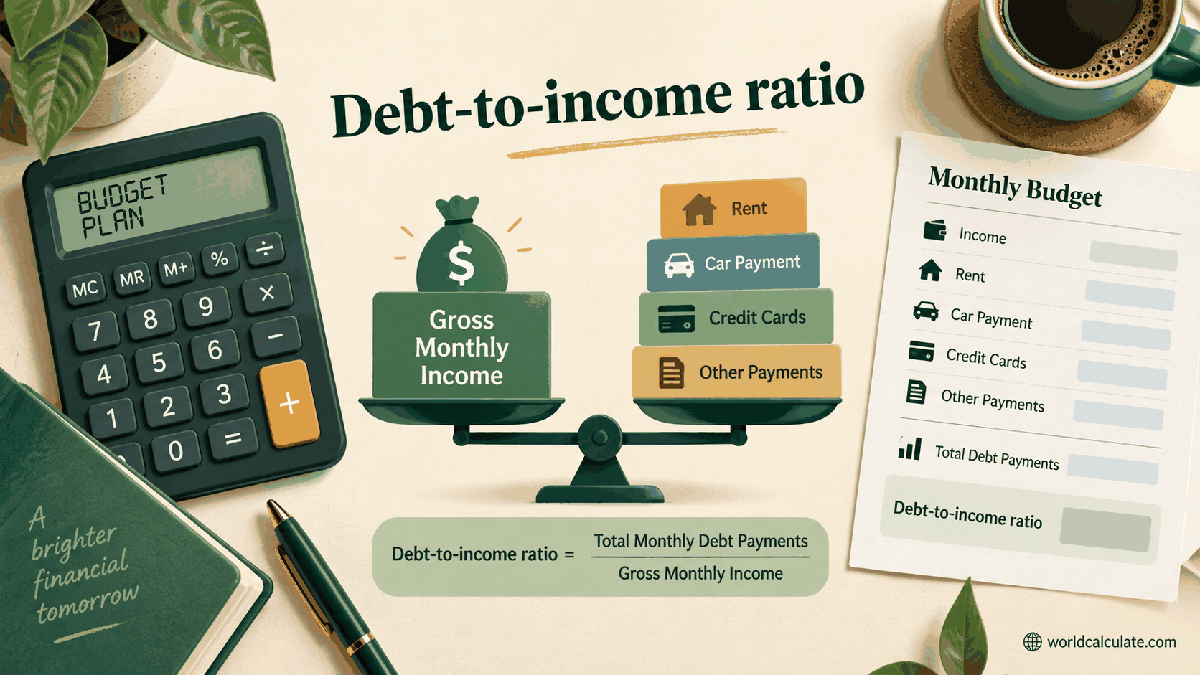
Website revenue planning becomes easier when traffic, clicks, earnings, and normalized rates are not mixed together. WorldCalculate starts with the visitor's page-view forecast, applies an entered click-through rate and earnings per click, and shows both the direct estimate and the revenue per thousand views. The result is a scenario, not a promise from an ad network.

Page views count visits to pages or another chosen impression base. Click-through rate describes the share of those views that produce a click. Earnings per click is the average amount assigned to each modeled click.
Revenue per thousand views, often called RPM, is a normalized result. It helps compare periods with different traffic volume, but it does not replace the underlying earnings and view count.
The calculator multiplies page views by CTR divided by 100. At 100,000 views and a 1.2% CTR, the scenario produces 1,200 estimated clicks.
The number is fractional in many forecasts because it is an expectation. A live period will produce whole clicks, and the actual count can differ from the average assumption. Keeping the word estimated prevents a forecast from being read as a report.
Click revenue equals estimated clicks multiplied by average earnings per click. With 1,200 clicks and 0.35 per click, the direct estimate is 420 currency units.
The currency label is intentionally generic. A visitor can use USD, EUR, BHD, INR, or another unit as long as the earnings and other-revenue inputs use the same unit. The page does not perform exchange-rate conversion.
The click RPM is click revenue divided by page views and multiplied by 1,000. In the example, 420 divided by 100,000 times 1,000 gives 4.20 per thousand views.
RPM is helpful when comparing a small month with a large month because it removes some of the effect of scale. It remains an estimate based on the inputs and can change when the traffic mix, ad placement, or network rules change.
Many websites combine advertising with sponsorships, affiliate commissions, subscriptions, product sales, or donations. The other-revenue field lets a visitor add a measured or planned amount from the same period.
Adding other revenue does not turn the result into profit. Hosting, content, staff, tax, payment processing, refunds, and acquisition costs are outside this calculator and should be tracked separately.
An advertising platform may pay on impressions, clicks, or another interaction, and may apply its own definitions, auction, revenue share, invalid-traffic filtering, and reporting delay. A simple CPC model cannot observe those rules.
Audience country, device, content topic, season, viewability, ad blockers, and available demand also influence actual performance. Use the tool to test assumptions, then replace assumptions with first-party reports when they become available.
A single forecast can create false confidence. Build three cases by changing CTR, earnings per click, traffic, or other revenue independently. Record why each value is plausible and what evidence would cause an update.
The sensitivity is clear from the formula: doubling page views doubles estimated clicks and click revenue when CTR and earnings per click stay fixed. Doubling CTR has the same proportional effect, while the RPM changes only when the relationship between revenue and views changes.
A worldwide website should not assume that one market has one advertising yield. Currency, language, audience location, privacy choices, advertiser demand, and content category can change the inputs.
Run separate scenarios by market or channel when data supports it. Keep the unit, period, traffic definition, and revenue definition beside each result so a combined total does not hide incompatible assumptions.
Do not enter 1.2 as a decimal when the field asks for 1.2 percent, and do not use 1.2% as 0.012 in a field that already expects a percentage. Do not divide revenue by clicks and call it RPM; RPM uses views.
Also avoid treating every page view as an ad impression. If a report uses ad impressions, enter that count only when the CTR and earnings inputs refer to the same denominator. Consistent measurement is more important than a precise-looking result.
Digital publishing created a need to compare revenue across very different audience sizes and distribution channels. Normalized metrics such as RPM made that comparison compact, while clicks and CTR preserved the behavior behind the total.
The useful practice remains transparent measurement: state the denominator, state the period, separate estimates from actuals, and explain what is included. A small calculator can support that discipline without pretending to forecast an entire business.
Estimate clicks, advertising revenue, revenue per thousand page views, and combined revenue from page views, click-through rate, and earnings per click.
Estimated clicks = page views × CTR / 100; click revenue = estimated clicks × earnings per click; click RPM = click revenue / page views × 1000; combined revenue = click revenue + other revenue. This scenario model turns visitor-supplied traffic and advertising assumptions into transparent planning numbers. It distinguishes clicks from page views and reports RPM as a normalized comparison metric. It does not predict an advertising network's actual payout, fill rate, invalid traffic adjustments, or future demand.
Enter Page views or ad impressions, Click-through rate, Average earnings per click, Other revenue in the same period, then choose Calculate.
Page views are used as the denominator for the entered click-through rate. CTR is entered as a percentage such as 1.2 for 1.2%. Average earnings per click is a planning average in one consistent currency. Every estimated click is multiplied by the same average earnings value. Other revenue is already measured for the same period as page views and click revenue. The model does not estimate viewability, ad fill, multiple ad slots, revenue share, refunds, or invalid traffic adjustments. RPM is a normalized estimate and not a guaranteed payment rate. Traffic quality, audience geography, device mix, content category, seasonality, and advertiser demand can change actual results. Use actual network reports and accounting records for financial reporting.
This calculator is part of the WorldCalculate library. Its formula, example, assumptions, input bounds, and output formatting follow the official methodology.
These WorldCalculate collections connect this tool with related questions while keeping each calculation separate and transparent.